
Introducing the MyLearning Work Board Feature: Collect and Share Teaching and Learning Resources
Tired of scrabbling to find that great worksheet you used last year? Need a topic refresher but struggling to find trustworthy sources? Or maybe you’d love to have an easy way to share resources with colleagues, helping to ease workload? If any of these sound familiar, then the Work Board feature on MyLearning might be just what you’re looking for.
What are the MyLearning Work Boards?
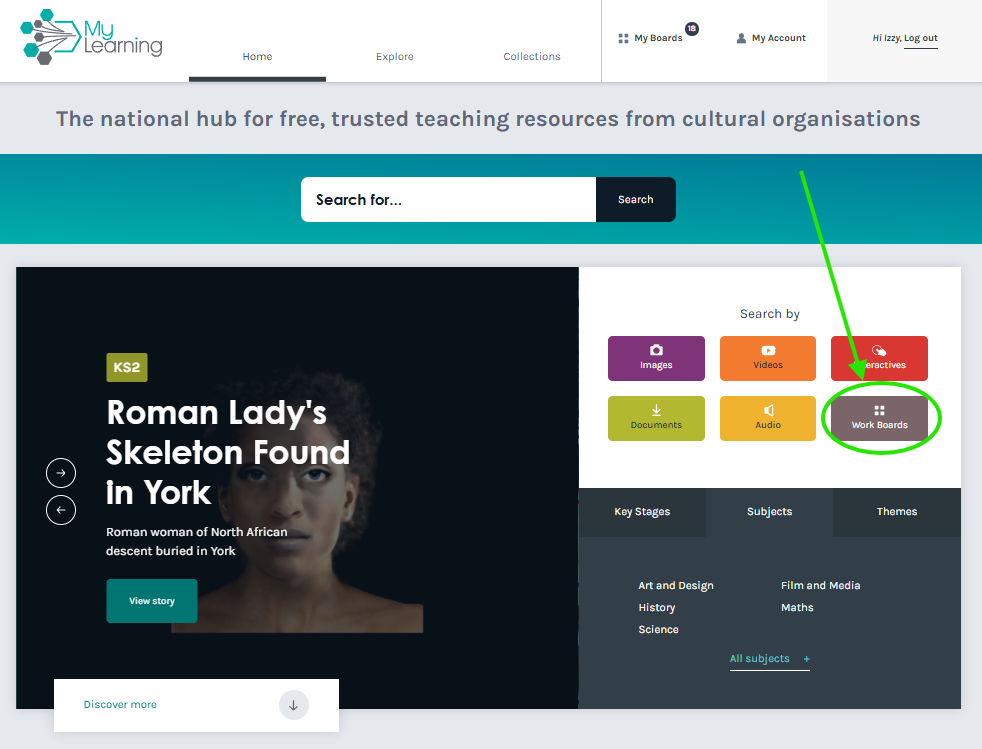
The Work Board feature acts like a digital pin-board, allowing you to collate and store any content from MyLearning keeping it together and easy to find next time you need it. You can create as many Work Boards as you like, theming them by subject, topic of year-group, for example. Pin any kind of resource from MyLearning, from whole learning stories to individual images, worksheets or presentations. All our content comes from arts, cultural and heritage organisations from across England, so you can be confident you’re accessing trustworthy information that’s been fact-checked by experts.
Creating a Work Board
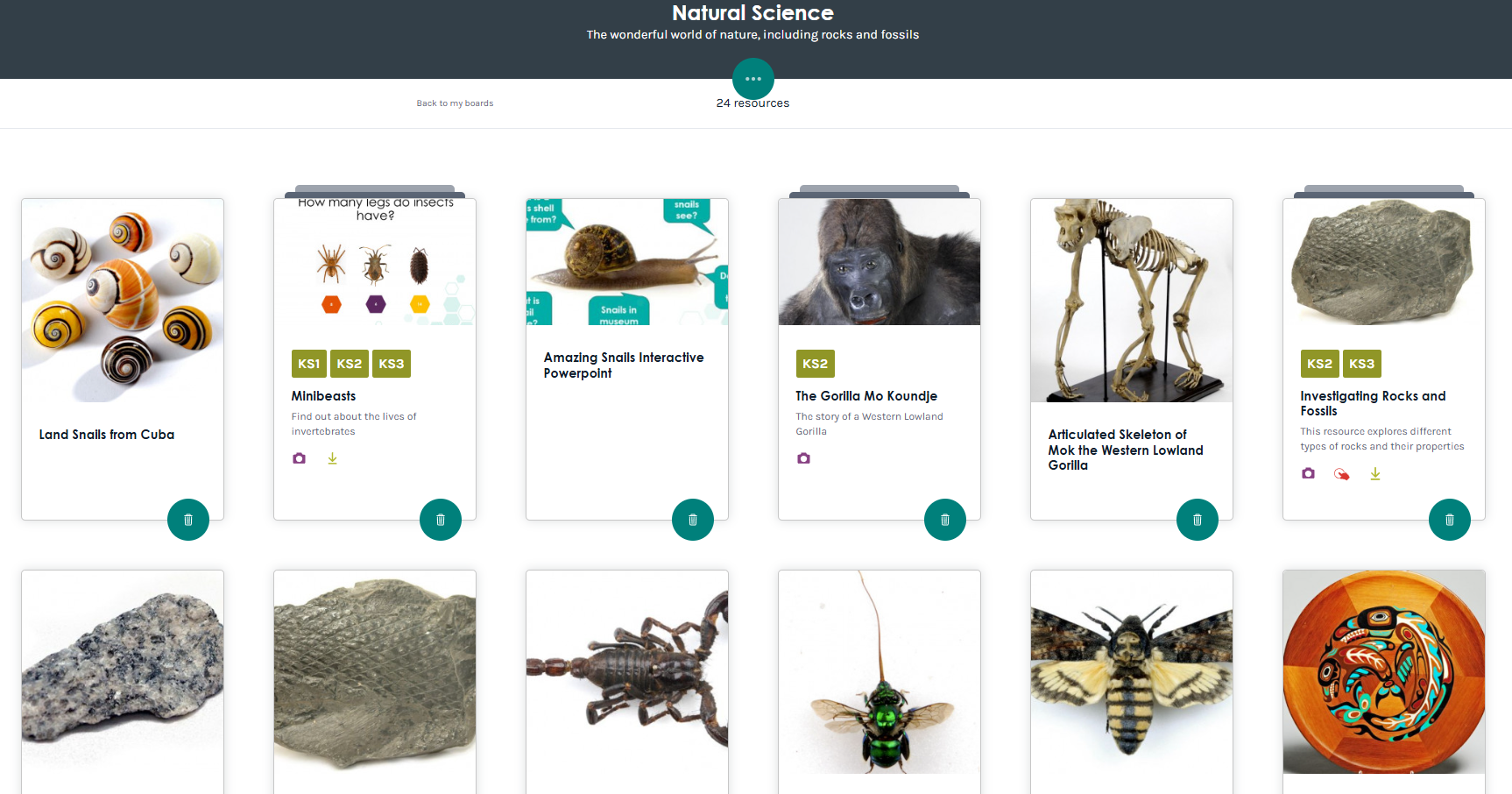
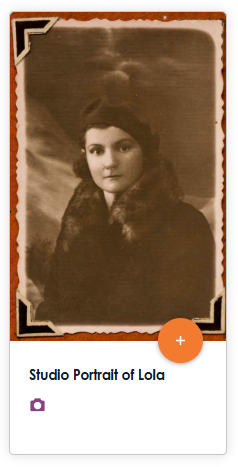
You'll need to be registered as a user on MyLearning to create a Work Board. Once you've done this, you can click on the + button on any resource (or an entire learning story) and either create a new Board, or add it to an existing one. That's it. If you've already registered, then you will need to log in to be able to create new Work Boards and access your existing ones. We don't share your details with anyone and are fully GDPR compliant.
Sharing Work Boards
Sharing a Work Board is easy and it doesn’t require the person you’re sharing it with to be logged in to MyLearning, or even have an account, making it suitable to share with students as well as colleagues. For history homework, why not put together a board of primary historical sources, share the link with your students and set a range of questions to practise their critical thinking skills? Or if you’re studying climate change, curate a board of images and information and task students with crafting a well-reasoned argument based on scientific evidence.
Splitting the workload with colleagues is another advantage of making a Work Board. Divide up the year’s topics or subjects between yourselves and each create a Board to swap amongst yourselves, cutting down on prep time and gaining access to resources you might not have known existed.
To share a Work Board you’ve created simply click on the circle with the three little dots on and choose ‘Share’. From here you can share to social media, or copy a link to your clipboard.
Need Some Inspiration?
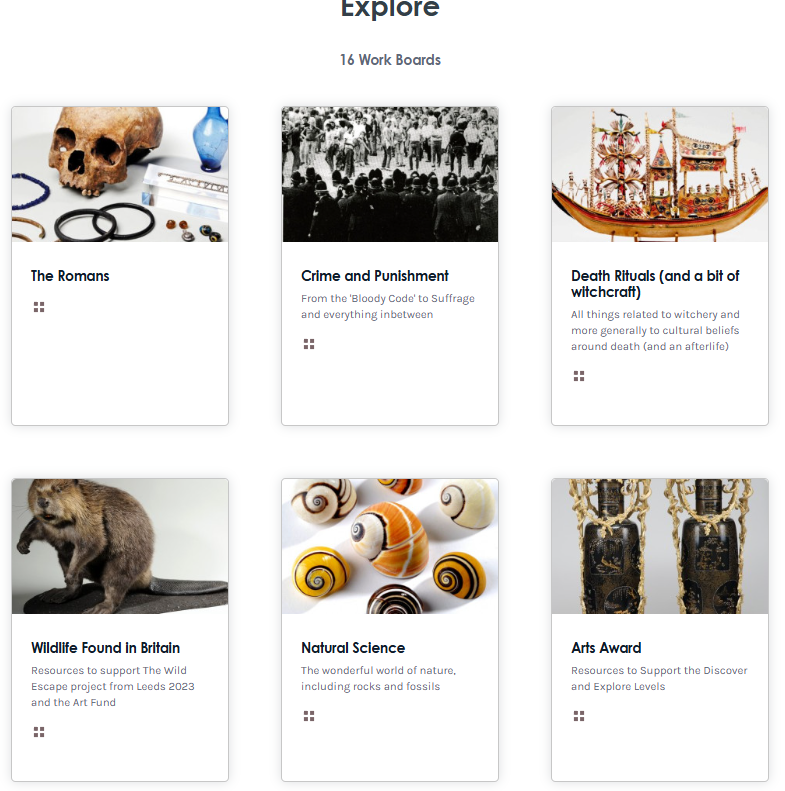
Check out the publicly available Work Boards here to get some inspiration, then register or login to create your own. It’s free, we don’t share your data with anyone, and we won’t send you any marketing bumpf. We are supported by Arts Council England and managed by Leeds Museums and Galleries and our mission is simple: to get the wonderful objects and the stories they hold out of museums and archives and into classrooms. So why not give us a try, and dive into a world of free, trusted teaching resources created by arts, cultural and heritage organisations from across England.
[Cover image: eignatik17 | Pixabay]